How to Type Without Looking at the Keyboard
Looking at the keyboard slows you down. Every glance down breaks your flow, and you lose your place on the screen. Touch typing fixes this. It teaches your fingers where each key sits, so you can type by feel and keep your eyes on your words. You do not need talent for it. You need a clear starting position and a little daily practice.
What Is Touch Typing?
Touch typing means typing without looking at the keys. Your fingers learn the keyboard layout through repetition. At first it feels slow. That is normal. Speed comes after accuracy, and accuracy comes from using the same fingers for the same keys every time.
Most people type with two fingers and watch the keyboard. Touch typing uses all ten fingers. Each finger owns a small set of keys, so your hands stay calm and your typing stays steady.
Why It Is Worth Learning
The payoff is practical. You type faster, you make fewer mistakes, and you finish writing tasks sooner. Reading back your work is easier too, because you watch the screen while you type and catch errors early. For students, office workers, and anyone who types every day, that adds up fast.
| Benefit | What Changes |
|---|---|
| Speed | Words flow without pauses to look down. |
| Accuracy | The same fingers hit the same keys every time. |
| Comfort | Hands stay relaxed in one position. |
| Focus | Your eyes stay on your words, not the keys. |
Your Starting Position: The Home Row
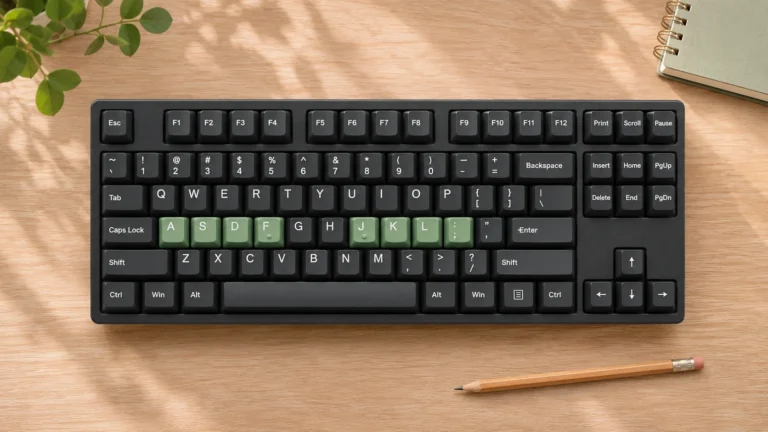
Start on the home row. Rest the fingers of your left hand on A, S, D, and F, and the fingers of your right hand on J, K, L, and the semicolon key, with both thumbs on the spacebar. Small raised bumps on F and J let you find this spot by touch, so you can return to it without looking down.
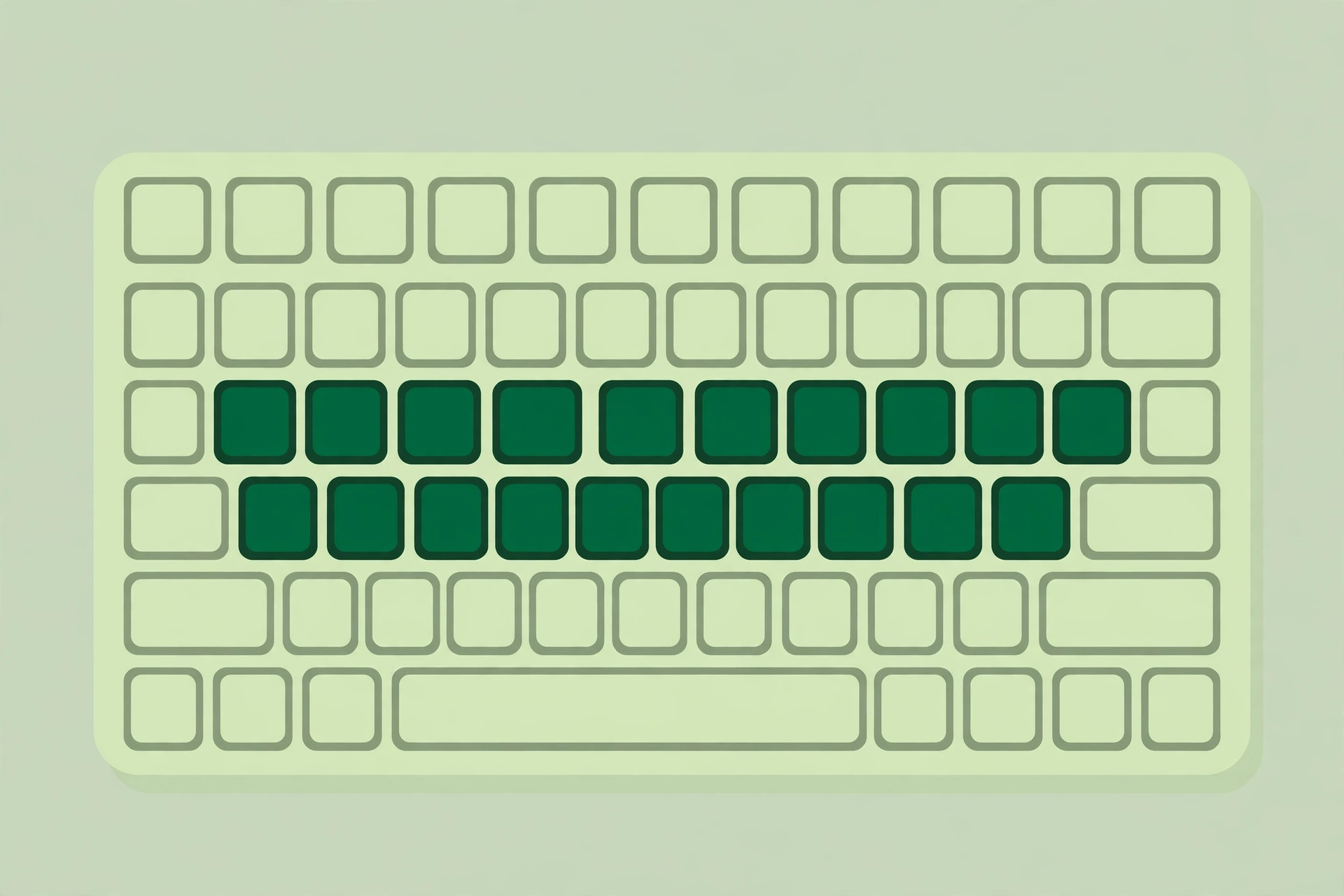
From home, each finger reaches up or down to its own keys and returns to home. Your left index finger covers R, T, and the keys near them. Your right index finger covers U, Y, and the keys near them. Keep your wrists relaxed and let your fingers curve gently over the keys.
Learn It in Four Simple Steps
Step 1. Learn the home row first. Type simple words with only home row letters until the positions feel natural.
Step 2. Add the top row. Learn one or two keys at a time, then mix them with home row words.
Step 3. Add the bottom row. Use the same slow approach and keep returning to home after every key.
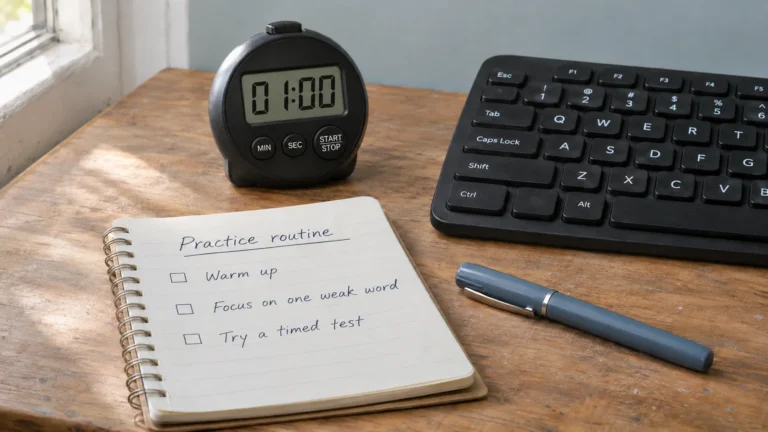
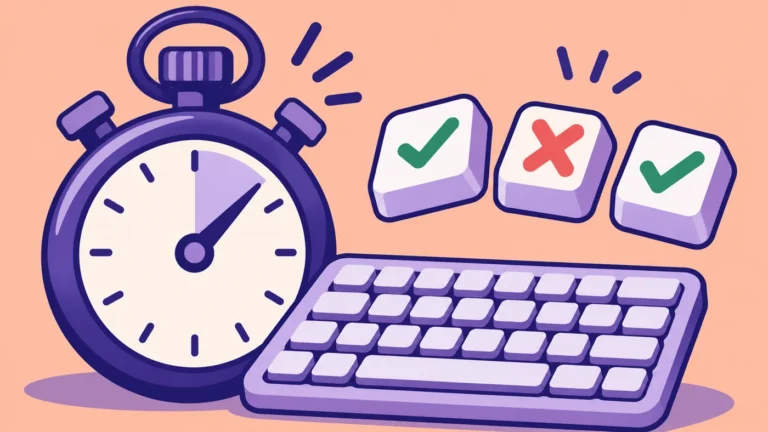
Step 4. Practise with real words. Short typing tests work well here. Try a 1-minute typing test and watch your accuracy before your speed.
Common Mistakes and How to Fix Them
| Mistake | Fix |
|---|---|
| Looking down at every word | Cover the keyboard or look at the screen and trust your fingers. |
| Rushing for speed | Slow down until accuracy is above 90 percent, then build speed. |
| Using the wrong fingers | Return to the home row and relearn the key with the correct finger. |
| Practising once a week | Practise a little every day instead of one long session. |
A Simple 7 Day Practice Plan
Ten minutes a day is enough. Short daily practice builds muscle memory faster than one long weekend session.
| Day | Focus | Time |
|---|---|---|
| Day 1 | Home row only | 10 minutes |
| Day 2 | Home row plus top row | 10 minutes |
| Day 3 | Home row plus bottom row | 10 minutes |
| Day 4 | Short common words | 10 minutes |
| Day 5 | Short sentences | 10 minutes |
| Day 6 | A timed typing test | 10 minutes |
| Day 7 | Repeat your weakest keys | 10 minutes |
How to Measure Your Progress
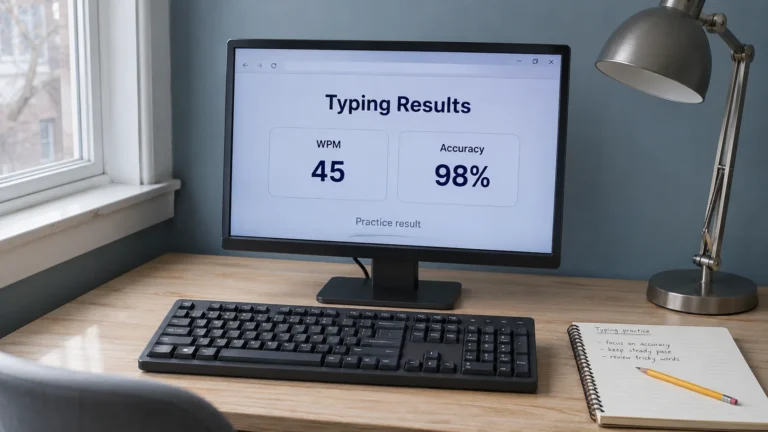
Test yourself once a week with the same test. Check your WPM Calculator result and your accuracy side by side. If your accuracy drops, slow down for a few days. Speed follows accuracy, not the other way round.
A good early target is 25 to 30 WPM with accuracy above 90 percent. From there, improve your typing speed a little each week. Small steady gains last longer than one fast day.
Put It Into Practice
Start today with the home row. Ten minutes is enough for day one. Then take a short typing test to see where you stand, and use the home row keys guide whenever a key feels unfamiliar. With steady practice, typing without looking becomes normal, and your speed will follow.